Disposal Codes
 Required Permissions
All users assigned to a role with Herd Read permissions can view this feature.Only users who are assigned a role with Herd Configuration permissions can edit data or customize settings.
The Disposal Codes page allows you to view all available disposal codes for your dairy. Whenever a disposal event is entered, a disposal code is assigned to it.
You can find this feature under the DairyComp/MyDC menu > Settings option on the General Settings
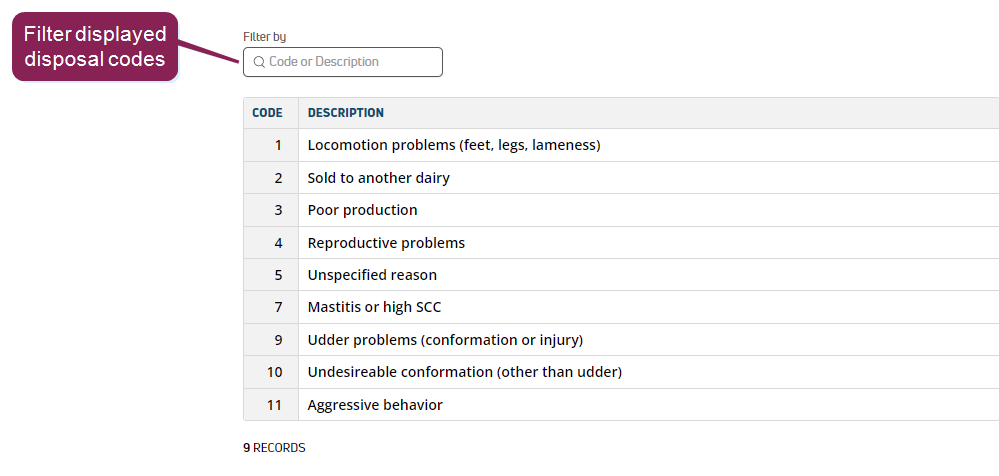
Add Disposal Codes
- Click the Add New Disposal Code button at the top of the page to open a window for creating a new disposal code.
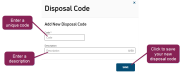
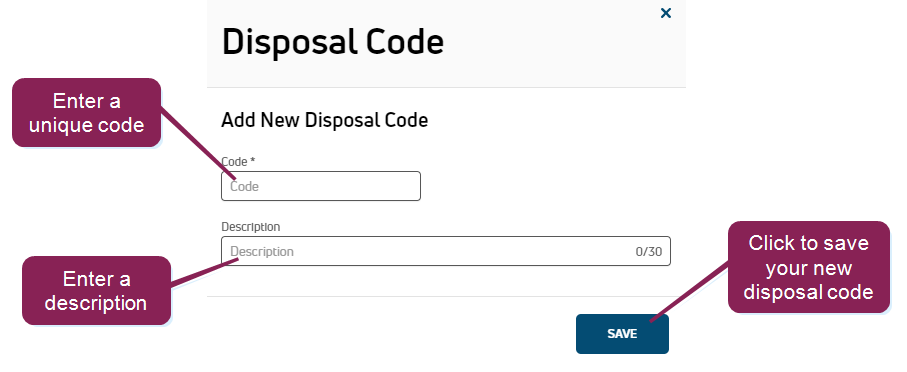
- Enter a new value in the Code field.
This value is mandatory and must be unique (i.e., not currently in use). Also, this value must be a number.
- In the Description field, enter a description of the new disposal code.
This field is optional.
- Click Save to add your new disposal code to the list.
 Edit Disposal Codes
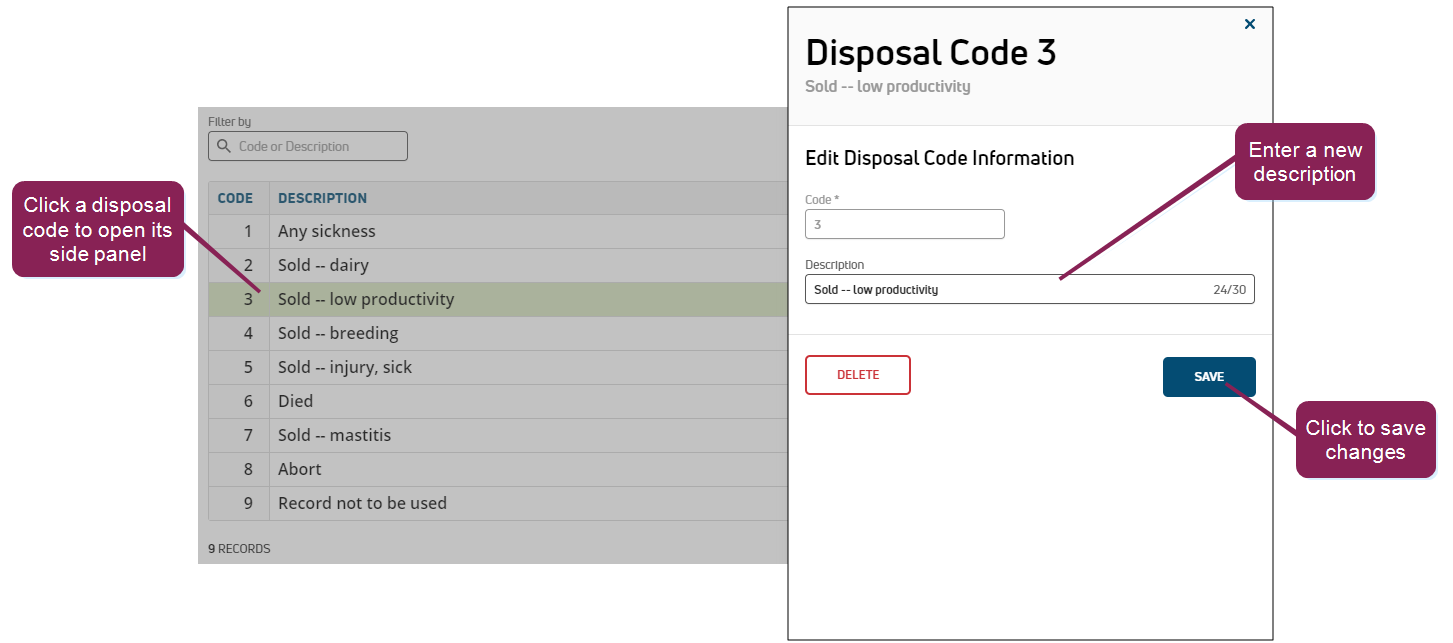
Only the description can be changed; you cannot change the code number. To edit the description of an existing disposal code, click on the applicable code in the list. Use the side panel to make changes to the code description, and then click Save.
Enable Record Transfer (DairyComp Unlimited dairies only)
PULSE supports the transfer of animals and their associated records between VAS dairies or other types of farms. DairyComp Unlimited dairies must enable this feature for a disposal code using the toggle in the side panel:
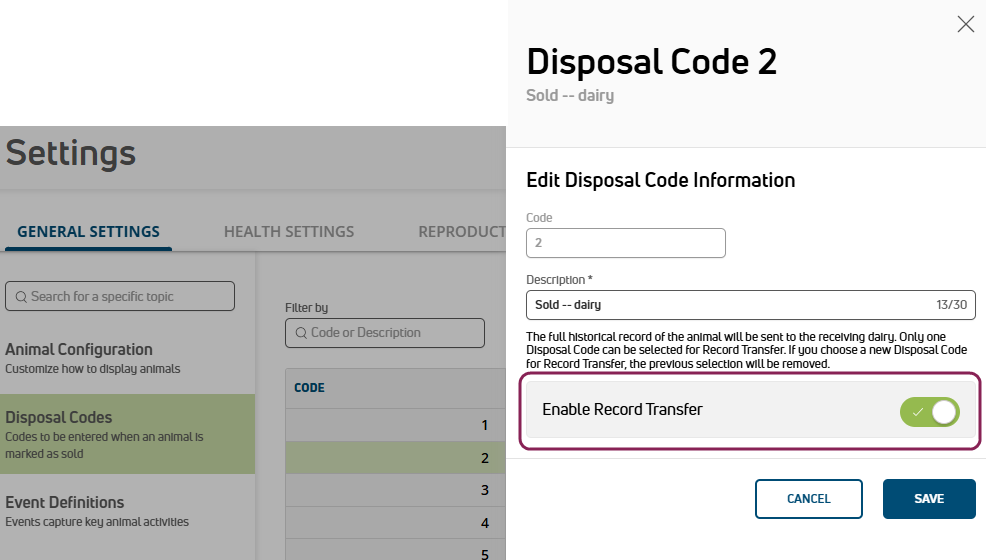
MyDC dairies use disposal code 2 for record transfers automatically. See Transfer Animals to learn more about this feature.