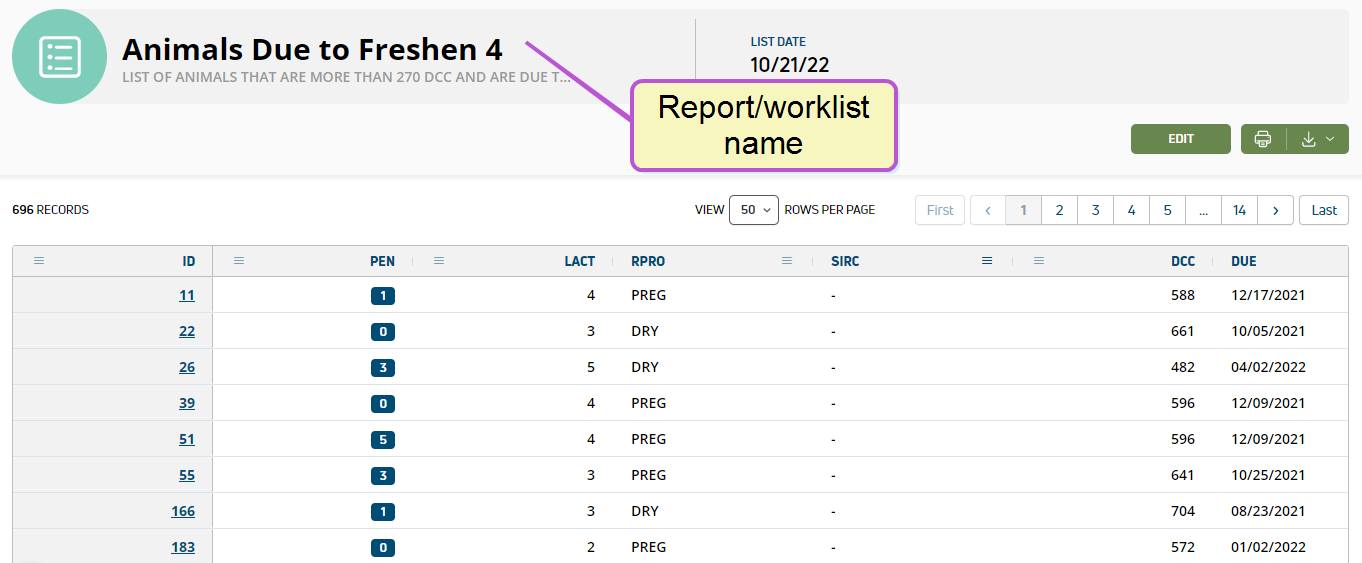
Run Saved Report or Worklist
 Required Permissions
Only users who are assigned to a Role with Herd Write permissions can use this feature. See Edit Dairy User Permissions and Manage Dairy Roles for more information.
The Dairy Reports/Worklists page includes the reports or worklist A worklist is a structured list of tasks or animals requiring attention, typically used to organize and prioritize work. In PULSE and the mobile app, worklists identify animals that need to be seen by dairy workers or animal health experts for specific reasons, such as pregnancy checks or treatment in a hospital pen.s you customized from the Template Gallery, as well as any other custom reports you created using Report/Worklist Builder. Note that reports are shaded in blue and worklists are shaded in green.
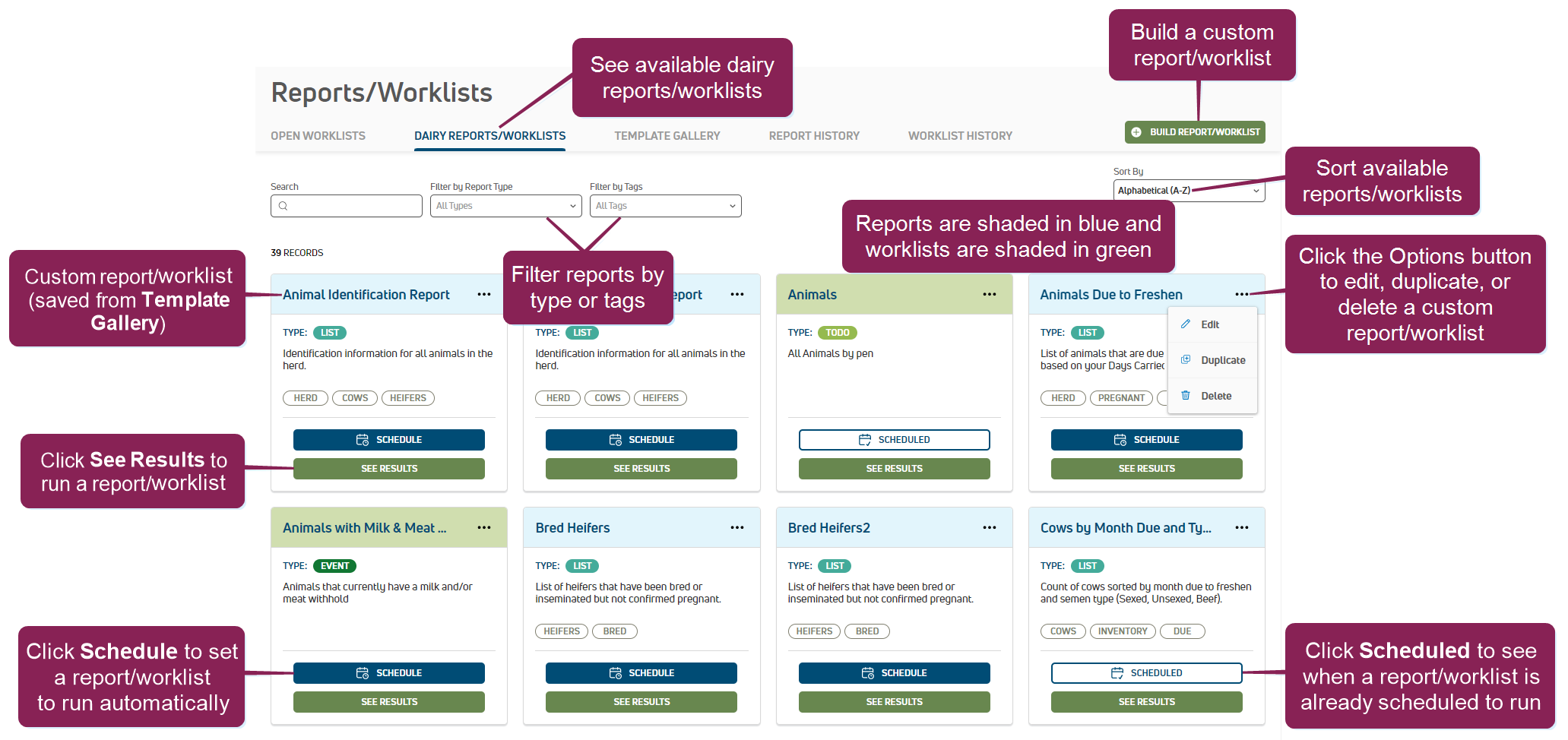
You can run reports or worklists for today Today's date or up to 30 days in the future. This option allows you to collect additional data and gives you even more choices when planning tasks and managing your herd.
You can find this feature under the DairyComp/MyDC > Reports/Worklists menu
Follow the steps below to continue:
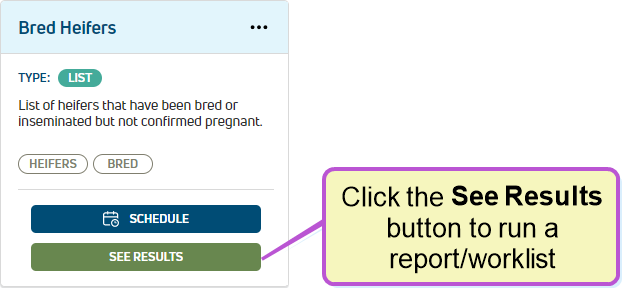
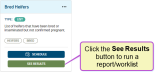
- Click the See Results button to open the options window.
-
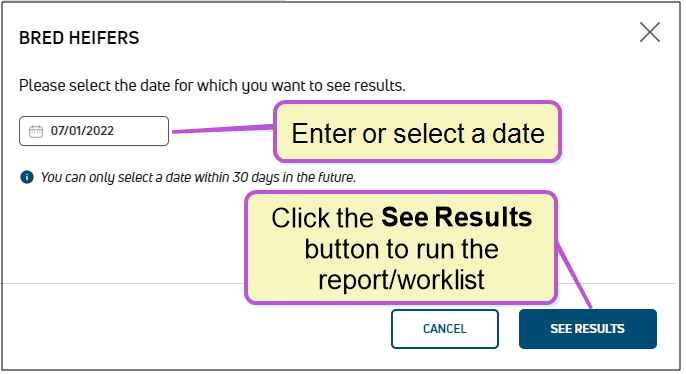
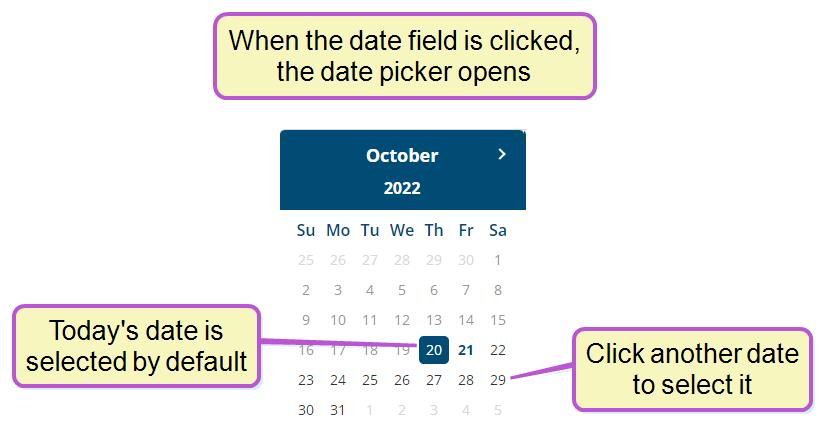
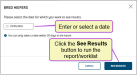
The date field defaults to today's date. Click on the date field to change it.
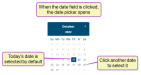 NOTE: You cannot select a date in the past, but you can select a date up to 30 days in the future.
 -
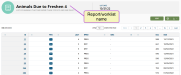
Click the See Results button to run the report or worklist. PULSE builds the report or worklist and displays the results on the Reports/Worklists Results page.