 Use a Scanner with iOS (Apple) Devices (v1)
- VAS Platform (v1): iOS versions 18.3.2 and lower. Do not upgrade to iOS versions 18.4.0 or greater and be sure to disable automatic updates in iOS settings.
- DC on Mobile (v2): All recent iOS versions, including 18.4.0 and above.
The first time you connect a scanner to an iOS device, go to your Bluetooth settings to connect it. After the first connection, your device will recognize the scanner and automatically pair and connect (as long as Bluetooth is enabled).
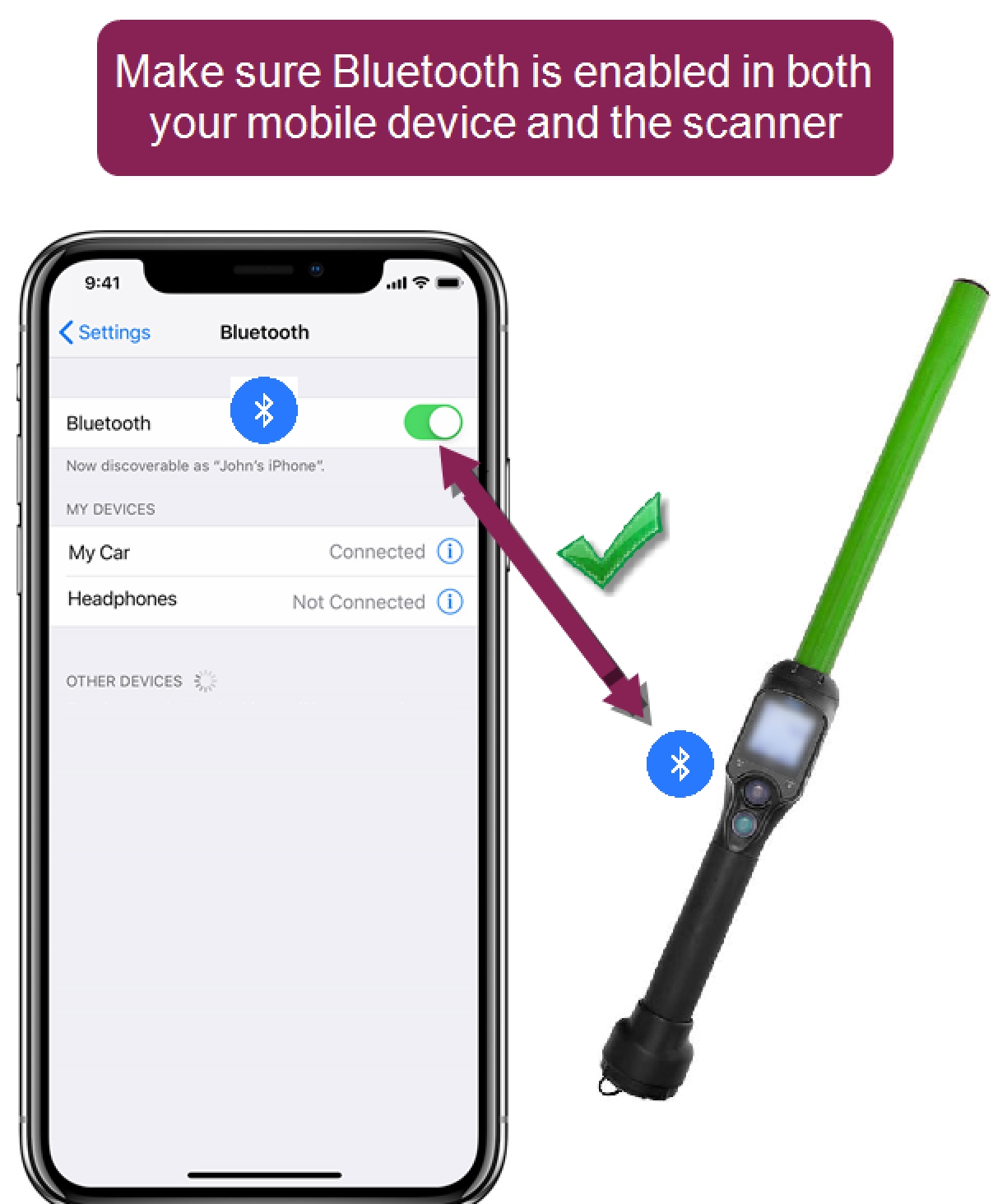
Once the scanner is paired with your device, it can scan animals in the mobile app. Tap the More button to check your scanner's connection status.

RFID: This field shows if a paired scanner is connected

 I don't see the More button. How do I find it?
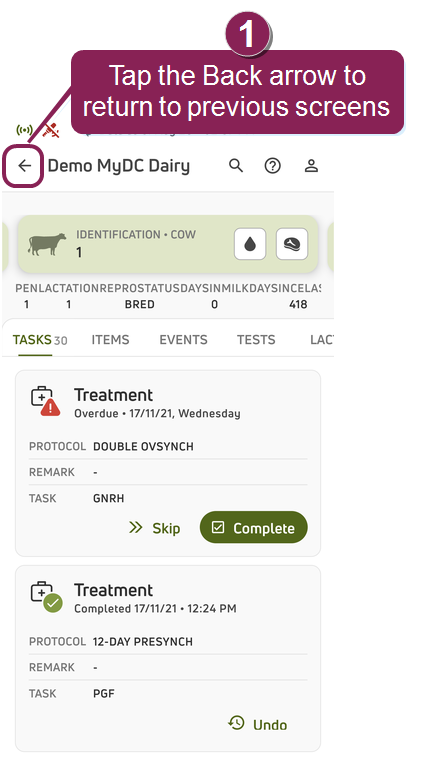
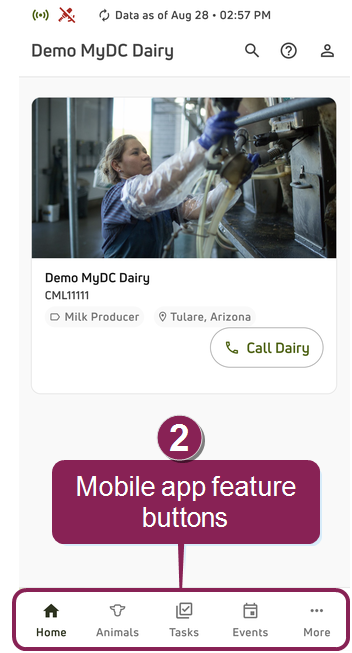
Follow the steps below if you do not see the More button at the bottom of your screen.
- Tap the Back arrow at the top left of the screen until you return to one of the main feature screens.
- From there, you'll find the feature buttons at the bottom of the screen.